
Business Automation ROI: Companies Save $300K Yearly (True Stories)
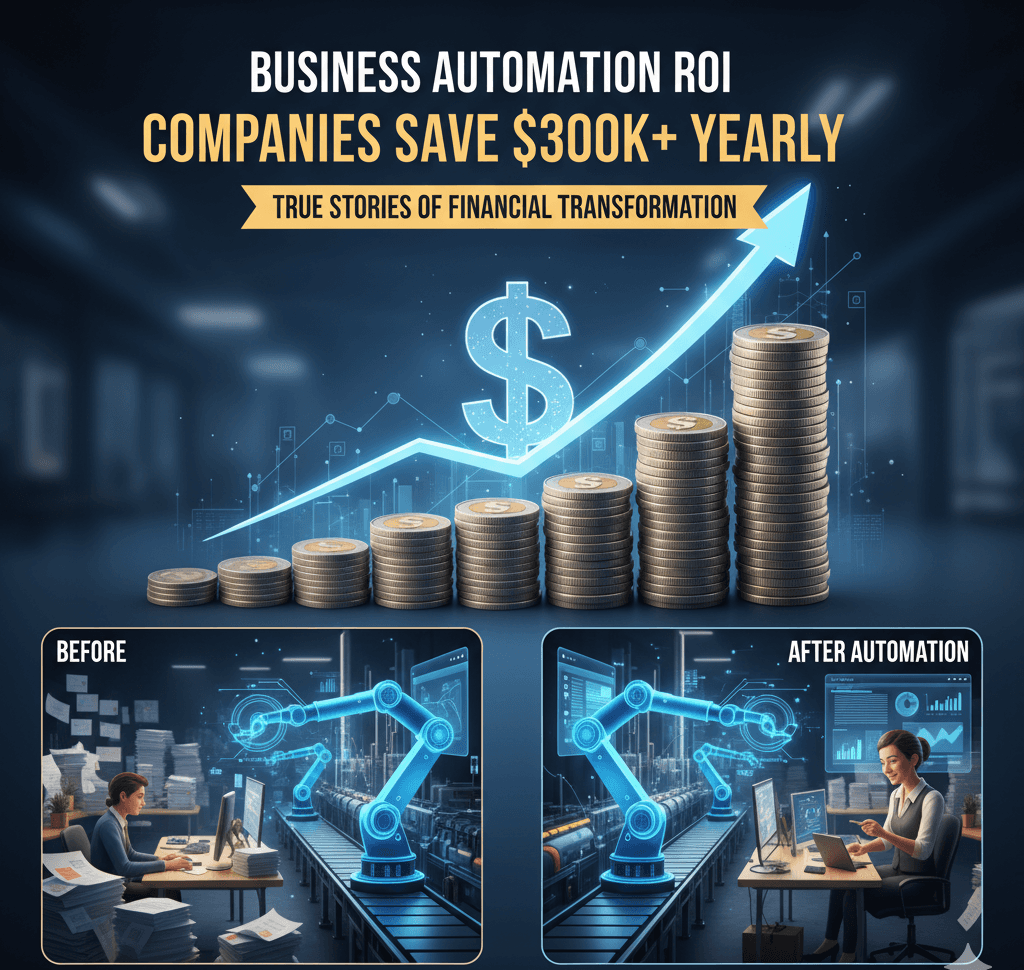
Your employees are doing robot work.
And you're paying them human prices.
Data entry. Invoice processing. Appointment scheduling. Inventory updates.
Tasks a computer could do in 3 seconds. But it takes your team 3 hours.
Here's what the data shows: Companies using automation save an average of $300,000 annually.
Some save way more.
Let me show you the real numbers behind business automation in 2025.
The Hidden Cost of Manual Work
Most business owners have no clue how much money they're wasting.
Let's do some quick math.
Example: Invoice Processing
Manual way:
Employee processes 20 invoices per hour
Gets paid $25/hour
Cost per invoice: $1.25
10,000 invoices per year = $12,500 in labor costs
Automated way:
Software processes 500 invoices per hour
Automation tool costs $300/month
Cost per invoice: $0.03
10,000 invoices per year = $300 total
Savings: $12,200 per year
And that's just ONE process.
Most businesses have 10-20 processes that could be automated.
Do the math on that.
Real Businesses, Real Savings
Let me show you actual companies and what they saved.
Manufacturing Company (Saudi Arabia)
Before automation:
Manual inventory tracking
Paper-based order processing
3 full-time staff just managing workflows
After automation:
Real-time inventory system
Automated order processing
Those 3 employees moved to value-add work
Annual savings: $180,000
Fatima Al-Zahrani (VP Operations): "While implementation was more involved than expected, it has improved our workflows."
Medical Clinic (Mumbai)
Before automation:
4-5 hours daily on admin tasks
Manual appointment reminders
Paper records and filing
After automation:
Everything happens automatically
Appointment system integrated
Digital records, instant access
Annual savings: $85,000 in labor
Plus: Staff happier, patients get better care
Priya Sharma (Director): "The ROI has been remarkable, and the system integrates perfectly with our existing software."
Real Estate Company (Chile)
Before automation:
Manual document tracking
Email chaos
Spreadsheet hell
After automation:
Automated workflow system
Digital document management
Integrated communications
Result: 35% efficiency improvement
Diego Fernández (IT Manager): "The end result has definitely improved our efficiency."
These aren't special cases.
This is what happens when you stop doing robot work manually.
The 7 Processes Bleeding Your Money
Here are the most common money-wasters we see:
1. Appointment Scheduling
Manual cost: 15-20 minutes per booking
Automation cost: Instant, 24/7
Savings: $15,000 - $40,000/year
2. Invoice Processing
Manual cost: 5-10 minutes per invoice
Automation cost: 30 seconds
Savings: $10,000 - $25,000/year
3. Customer Support (Basic Questions)
Manual cost: $6-12 per interaction
Automation cost: $0.50 per interaction
Savings: $30,000 - $80,000/year
4. Data Entry
Manual cost: 2-3 hours daily
Automation cost: Happens in background
Savings: $20,000 - $50,000/year
5. Report Generation
Manual cost: 4-6 hours weekly
Automation cost: Instant, real-time
Savings: $15,000 - $35,000/year
6. Email Follow-ups
Manual cost: 1-2 hours daily
Automation cost: Triggered automatically
Savings: $12,000 - $30,000/year
7. Inventory Management
Manual cost: Multiple staff hours daily
Automation cost: Real-time updates
Savings: $25,000 - $75,000/year
Total potential savings: $127,000 - $335,000 per year
Now you see why the average is $300,000.
What $50,000 in Automation Actually Gets You
Let's be specific about costs.
For a $40,000-$60,000 automation investment, here's what you're looking at:
Discovery & Strategy (Week 1-2)
Map your current processes
Identify automation opportunities
ROI projections
Implementation roadmap
System Design (Week 3-4)
Custom workflow design
Integration planning
User experience mapping
Security architecture
Development (Week 5-8)
Build automation systems
Connect to existing tools
Test everything thoroughly
Staff training materials
Integration & Testing (Week 9-10)
Connect all your systems
Real-world testing
Bug fixes and adjustments
Final optimization
Training & Launch (Week 11-12)
Team training sessions
Documentation
Go-live support
Ongoing monitoring
Timeline: 2-3 months from start to finish
ROI: 6-12 months to break even
After that? Pure savings.
The Break-Even Analysis
Here's how to know if automation makes sense for YOUR business.
Quick ROI Calculator:
List tasks that are repetitive
Calculate hours spent per week
Multiply by hourly cost (salary + benefits)
Multiply by 52 weeks
If that number is bigger than your automation cost, you win.
Example:
Task: Invoice processing
Time: 10 hours/week
Cost: $30/hour (loaded cost)
Annual cost: 10 × $30 × 52 = $15,600
Automation cost: $5,000 setup + $200/month ($2,400/year) = $7,400
Savings Year 1: $8,200
Savings Year 2: $13,200
Savings Year 3: $13,200
Three years = $34,600 saved
From automating ONE process.
The Hidden Benefits Nobody Talks About
The money savings are obvious.
But there are other benefits that are hard to measure:
1. Employee Happiness
Nobody likes doing repetitive work.
Automate the boring stuff. Let humans do human work.
Your best people stop quitting.
2. Error Reduction
Humans make mistakes. Especially on repetitive tasks.
Automation? 99.9% accuracy rate.
Fewer mistakes = fewer angry customers = more revenue.
3. Speed to Market
Manual processes slow everything down.
Automation makes your business move faster.
Launch products quicker. Respond to customers faster. Win more deals.
4. Scalability
You can't scale manual processes without hiring more people.
Automation scales infinitely.
10x your volume? No problem. Same automation cost.
5. Data Insights
Automated systems capture everything.
Suddenly you have data showing exactly what's working.
Make better decisions. Faster.
What Processes Can Actually Be Automated?
Almost anything repetitive can be automated.
Here's what we automate most often:
Customer-Facing:
Appointment booking and reminders
Customer support (basic questions)
Quote generation
Order processing
Follow-up emails
Feedback collection
Internal Operations:
Invoice processing
Expense approvals
Report generation
Data entry
File organization
Task assignments
Marketing & Sales:
Lead capture and routing
Email campaigns
Social media posting
Lead scoring
CRM updates
Meeting scheduling
Financial:
Payment processing
Reconciliation
Budget tracking
Payroll tasks
Tax calculations
If you do it more than 10 times a week, it can probably be automated.
The Automation Mistakes That Cost You
Here's what NOT to do:
Mistake #1: Automating Broken Processes
Fix the process FIRST. Then automate it.
Automating a bad process just means you do bad things faster.
Mistake #2: No Training Plan
Your team needs to know how to use the new systems.
Budget time for training. Or the automation sits unused.
Mistake #3: Automating Everything at Once
Start with 1-2 processes. Get wins. Then expand.
Trying to automate everything overwhelms your team.
Mistake #4: Choosing the Cheapest Option
Cheap automation breaks constantly.
Invest in quality. Or you'll pay triple fixing it later.
Mistake #5: No Clear Success Metrics
How do you know if it's working?
Define metrics upfront. Track them religiously.
Real ROI Timeline
Here's what actually happens month by month:
Month 1-2: Planning & Setup
Map processes
Design automation
Initial investment ($40K-$60K)
Zero savings yet
Month 3-4: Implementation
Build and test systems
Train your team
Start seeing time savings
Small efficiency gains
Month 5-7: Optimization
Fix bugs and issues
Improve workflows
Savings start showing up
Staff adapting to new way
Month 8-12: Full Effect
Systems running smooth
Clear cost savings
Break-even point hit
Team productivity up 30-40%
Year 2+: Pure Profit
No more setup costs
Only small maintenance fees
Full savings realized
ROI compounds
Most businesses break even in 8-11 months.
After that, it's all profit.
When Automation Doesn't Make Sense
Real talk.
Sometimes automation isn't the answer.
Skip automation if:
You're doing the task less than 5 times a week
The process changes constantly
It requires complex human judgment
Your volume is too low
Budget under $5,000 total
Your team isn't ready for change
Start manual. Scale into automation later.
But if you're doing something 50+ times per week?
You're losing money every day you don't automate.
The Integration Challenge
Here's what nobody warns you about.
The hard part isn't the automation itself.
It's connecting all your existing systems.
Common integrations:
CRM (Salesforce, HubSpot, etc.)
Accounting software (QuickBooks, Xero)
Email marketing (Mailchimp, ActiveCampaign)
Payment processors (Stripe, PayPal)
Calendar systems (Google, Outlook)
Project management (Asana, Monday)
Each integration adds complexity.
And cost.
Budget an extra 20-30% for integration work.
At BSLabs, we handle all the integration headaches.
We connect your systems so they talk to each other.
Seamlessly.
What Success Looks Like
Automotive Shop (Dubai)
Automated appointment scheduling and customer questions.
Before:
3 staff answering phones constantly
Customers frustrated by busy lines
60% of calls were simple questions
After:
AI chatbot handles scheduling 24/7
Staff focus on in-person customers
Customer satisfaction up 40%
Hassan Al-Rashid (Owner): "Best investment we made this year."
Annual savings: $95,000
Construction Company (Beijing)
Automated project tracking and crew management.
Before:
Paper-based tracking
Communication chaos
No real-time updates
After:
Mobile app for field crews
Web platform for office staff
Real-time job tracking
Wei Zhang (President): "It's transformed our operations. Worth every penny!"
Operational savings: $250,000 first year
These aren't unicorn stories.
This is what happens when you automate intelligently.
Your Automation Roadmap
Here's how to start:
Step 1: Identify Your Biggest Time-Wasters (Week 1)
Track where your team spends time.
What tasks take forever? What's repetitive?
Step 2: Calculate Current Costs (Week 1)
Hours × hourly rate × 52 weeks
This is your baseline.
Step 3: Prioritize Quick Wins (Week 2)
Start with high-volume, simple tasks.
Get early wins to build momentum.
Step 4: Get Expert Help (Week 2-3)
Don't DIY complex automation.
Hire specialists who've done it before.
Step 5: Implement in Phases (Month 1-3)
One process at a time.
Test. Optimize. Expand.
Step 6: Measure Everything (Ongoing)
Track time saved. Money saved. Errors reduced.
Prove the ROI to stakeholders.
The Bottom Line
Here's the truth.
You're either automating or falling behind.
Your competitors are automating right now.
They're saving $300,000 per year.
Moving faster. Making fewer errors. Scaling easier.
While you're still doing things manually.
The gap gets bigger every day.
At BSLabs, we've automated workflows for manufacturing, healthcare, real estate, automotive, and more.
Custom solutions. Built for YOUR specific processes.
No cookie-cutter software.
Want to see how much YOU could save?
Get a free automation audit — We'll analyze your processes and show you exactly where you're wasting money.
No sales pitch. Just honest analysis and real numbers.
Because here's what it comes down to.
The question isn't "Should I automate?"
It's "How much am I losing by not automating?"
Ready to save $300K+ per year?
Let's build automation that actually works.
Book Your Free Audit
BSLabs — Custom websites, apps, and automation for businesses that mean business. Fast development. No cheap work. No endless delays.
© 2026 BSLabs | webdevdesignz.com. All rights reserved.